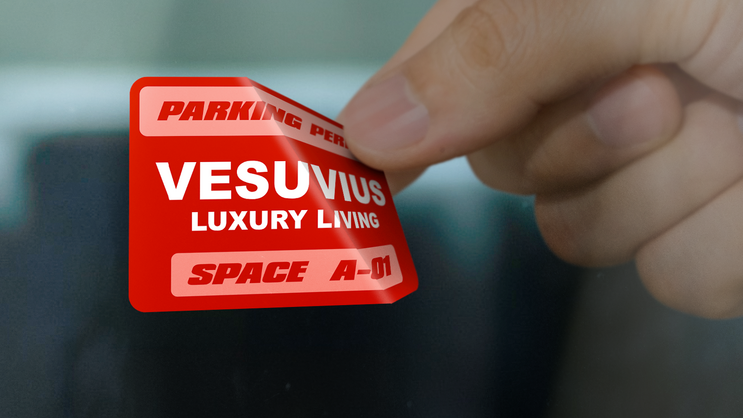
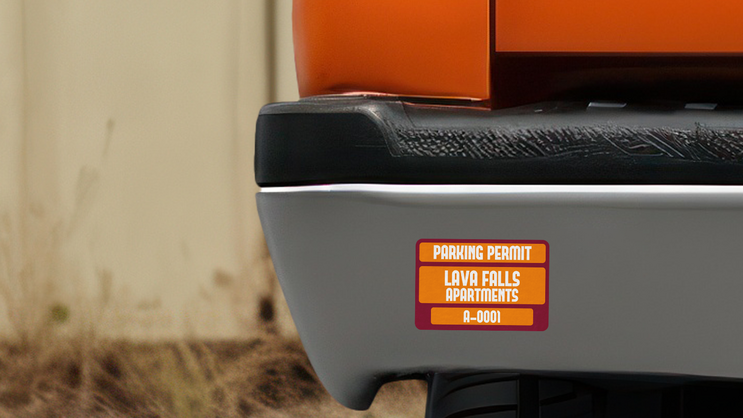
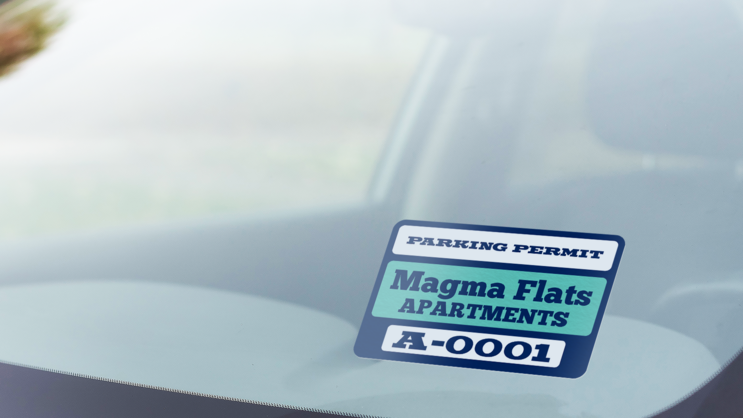
Manage parking easily with these customizable rectangle permit stickers. Add your logo, text, and colors. Available in multiple materials for inside or outside use. Ideal for apartments & HOAs. Design yours today!
Durable & Weatherproof
Custom Design Tool
Free Lamination
Superior Quality
Free US Shipping
Fast Turnaround
Custom Rectangle Apartment Parking Permits – Secure & Professional
Keep apartment and residential parking under control with fully customizable rectangle parking permits. These permits help landlords, property managers, and HOAs ensure that only authorized vehicles are parked in designated areas.
Customizable & Easy to Design
Our online design tool makes it simple to create a parking permit that reflects your property’s branding. Upload your apartment complex logo, select colors, add text, and include permit numbers or expiration dates for easy identification and tracking.
Material & Application Options
Front-Facing Standard Vinyl (Default) – Applied inside the windshield. Available in both light adhesive and standard adhesive.
Front-Facing Clear Vinyl – Applied inside the windshield. Available in both light adhesive and standard adhesive.
Static Cling – Adhesive-free, easy to remove and reposition. 6-month lifespan.
Standard Vinyl – Designed for outside application, ideal for bumpers or windows. Includes choice of lamination.
Clear Vinyl – A transparent option for outside application with choice of lamination.
Perfect for Apartment Parking Management
Rectangle parking permits are ideal for:
Tenant & Resident Parking – Ensure only authorized vehicles park in designated areas.
HOA & Property Managers – Improve parking security and organization.
With high-quality materials and an easy-to-use online design tool, managing apartment parking has never been simpler. Order in bulk for discounted pricing and fast turnaround times. Start designing your custom parking permits today!
How to Create Custom Parking Permit Stickers
See how to create Custom Parking Permit Stickers using an existing design or your own image or logo, with options for different permit styles and applications.
How do you order sequential numbering or variable data for parking permits?
After selecting your parking permit and opening the design tool, go to the text options. Under "Number Range," enter the first and last numbers in the "Range Start" and "Range End" fields. You can also add variable data using a CSV list.