How to Add a Cut Path in Adobe Illustrator

Learn how to create cut paths in Adobe Illustrator. Step-by-step video tutorial included.

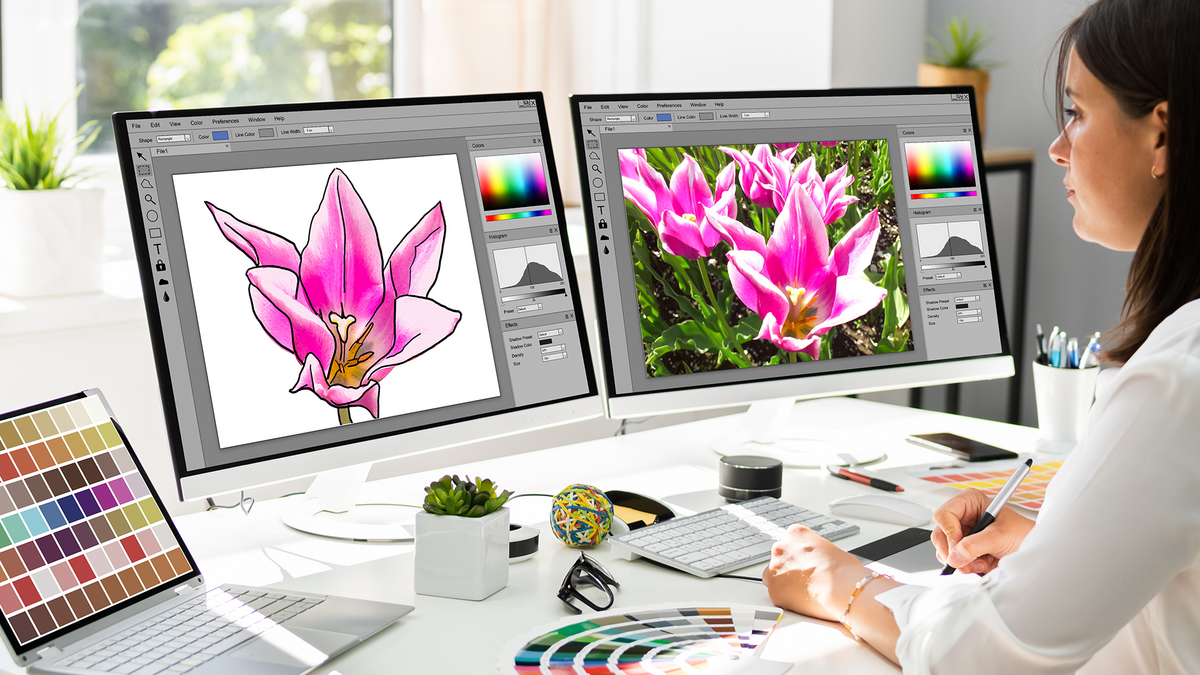
Graphic-Designer-at-Computer
A cut path is a closed vector path in your design file that tells our cutting machines exactly where to cut around your sticker. Some stickers have simple shapes for cut paths, like circles, squares, or ovals. Die Cut Stickers have a cut path that follows the outline of your artwork or logo, allowing the cut to go right up to the edge of the design or leave a small contrasting border around it.

All stickers must have a cut path included in their design file. The cut path can be created in the same image editing software you use to design your artwork, such as Adobe Illustrator.

Why Cut Paths Are Important

Once the stickers are printed on high-quality vinyl, we place the roll on a cutting plotter. The plotter uses the cut path information to precisely cut around your sticker. Everything inside the cut path will be included in your final sticker, while anything outside the path will be removed when the excess vinyl is peeled away.

Custom Sticker Sheets and Cost Savings

At Carstickers.com, our graphic designers will add cut paths to your files while prepping orders. However, if you’re ordering Custom Sticker Sheets, you can save on setup fees by adding the cut paths yourself before submitting your artwork.

How to Add a Cut Path Using Adobe Illustrator

The tutorial below will walk you step-by-step through creating a cut path in Adobe Illustrator. This video makes it simple to prepare your file correctly, ensuring a smooth production process and perfect cuts for your custom stickers.

Recent posts

New Home Page Announcement Blog

Big Website Updates from a Top Sticker Seller: What’s New at CarStickers.com

Discover new features, 70+ sticker materials, $1 samples, embossed UV stickers, and improved ordering tools.
Passive-Income-WM-Fix

How to Make Passive Income Selling Stickers in 2026

Learn how to make passive income selling stickers online, at markets, and more.
Embossed Stickers Blog Update

Introducing Embossed Stickers: Raised, Textured

Raised UV gloss adds texture and emphasis to any artwork.
View all recent posts

Get Exclusive Deals, News, & 10% Off!

Subscribe for tips, offers, and product news! Plus, enjoy 10% off your next order!