
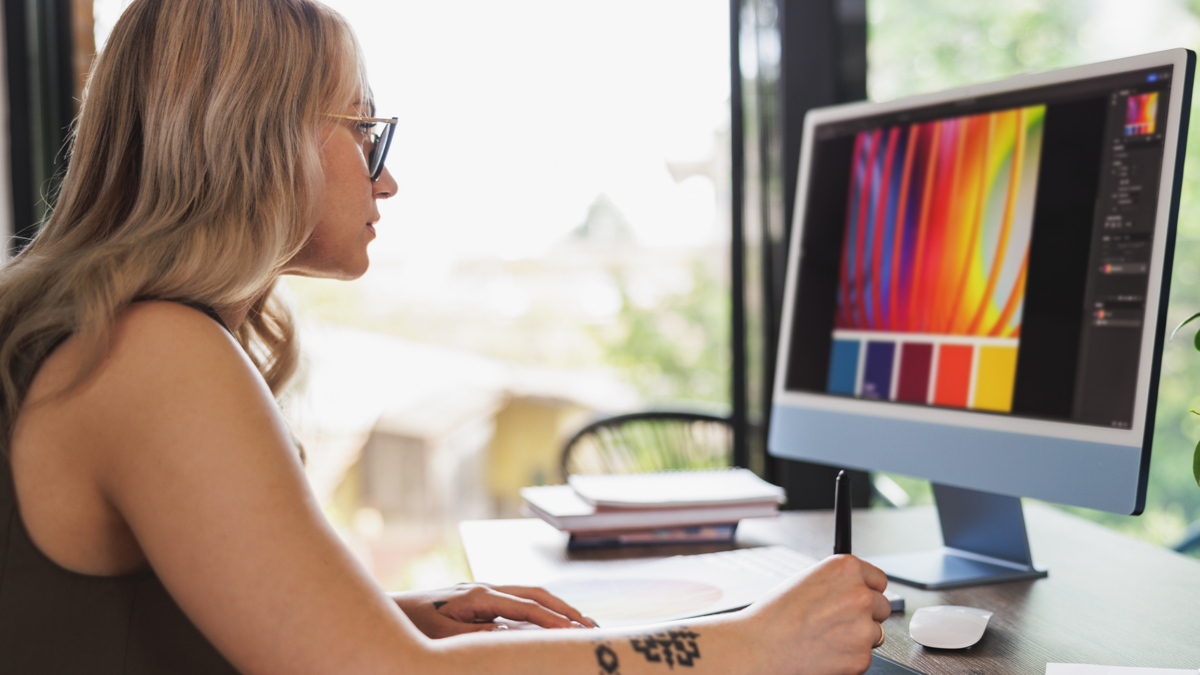
Do you have a logo or design that’s pixelated or blurry when resized? We can turn your low-resolution artwork into crisp, high-resolution sticker and logo art through a process called vectorization. It’s quick, easy, and provides you with a versatile file you can use for countless future projects.
What is Vectorization?
Digital graphics are created in two main formats: raster and vector.
Raster files (also called “bitmap” or “bit image” files) are made up of tiny dots, or pixels. While they look smooth at a regular size, when you zoom in or enlarge them, you can clearly see the individual square-shaped dots that form the image. This is why raster images, like those from scanners, cameras, or printers, can become blurry or distorted when resized.
Vector files are completely different. Instead of pixels, they use points and paths—think of a connect-the-dots puzzle, where the lines between the points form shapes. The biggest advantage of vector graphics is scalability. You can make them as small or as large as you want without losing quality or clarity.
Our Vectorization Process
Simply send us your low-resolution design—whether it’s a JPEG, GIF, scanned image, hand-drawn sketch, or even artwork you found online. We’ll convert it into a clean, scalable vector file that’s ready for all of your sticker needs. Once we’ve vectorized your design, we’ll provide you with professional-quality .AI and .PDF


