
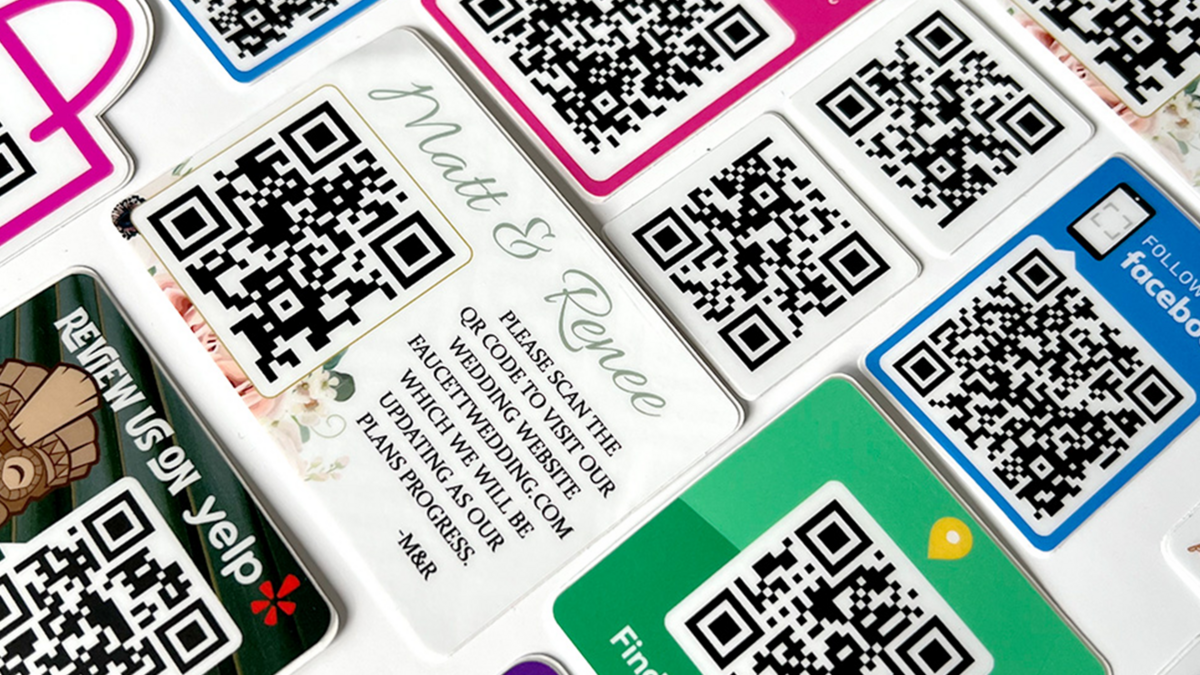
QR codes are a fun and modern way to connect with customers while making your marketing stand out. These codes are free to generate and easy for consumers to scan using their phones. Now, you can design and order custom stickers with your QR codes directly from CarStickers.com.
What Are QR Codes?
QR codes (Quick Response codes) are similar to barcodes but can store much more data, including URLs, contact information, and downloadable content. Originally developed in Japan for high-speed tracking and scanning, QR codes quickly moved beyond industrial use and became a powerful marketing tool as smartphones became more common.
Most mobile devices with a camera can read QR codes using a free QR code reader app, making them an accessible tool for almost any audience.
How It Works
CarStickers.com makes it easy to create stickers with QR codes. Simply go to our QR Code Stickers page, select the type of QR code you’d like, input your information, and upload it to your custom sticker design. For best results, we recommend keeping QR codes at least ½” x ½” in size for optimal readability.
Unlock the Marketing Potential
QR codes can be customized to suit a variety of business needs. The most effective codes are the ones that deliver value to your customers. Here are a few ways you can use them:
- Virtual business cards: Add your contact information directly to a customer’s phone with a vCard QR code.
- Website links: Direct users to your homepage, a specific product, or a landing page.
- Special offers: Share discounts, sales, or sweepstakes information instantly.
- App downloads: Enable customers to quickly download your app.
- Text sign-ups: Allow customers to sign up for SMS notifications about deals, events, and coupons.
- Payments: Even request PayPal payments through a scan-enabled QR code.
With consumers increasingly open to scanning QR codes, there’s never been a better time to integrate them into your marketing. Combine them with durable, custom-printed stickers for a practical, mobile-friendly advertising solution.


