
How to Use the CarStickers.com Design Tool: Step-by-Step
Learn how to use the CarStickers.com Design Tool to customize a sticker step by step. Starting with an existing template, this tutorial demonstrates uploading and resizing a logo, editing text, adding and customizing clipart, changing colors, and working with layers.
You'll also see how to rotate design elements, duplicate and invert layers, modify an existing template, and make final adjustments before adding the completed custom sticker design to your cart.
 How to Create a Sticker Cut Path in Adobe Illustrator
 11 Common Sticker Questions Answered: Artwork, Materials, Size & More
 DIY Wedding Sticker Ideas for Favors, Gifts & Decorations
 5 CarStickers.com Design Tool Tips for Custom Sticker Designs
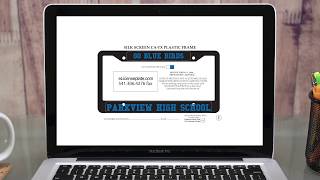 About eLicensePlateFrames
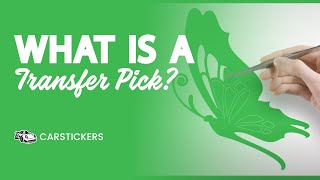 What Is Transfer Decal Picking? See How It Works
 Why Choose CarStickers.com for Custom Stickers?
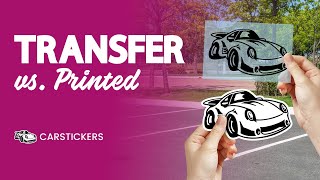 Printed Stickers vs. Transfer Decals: What’s the Difference?