
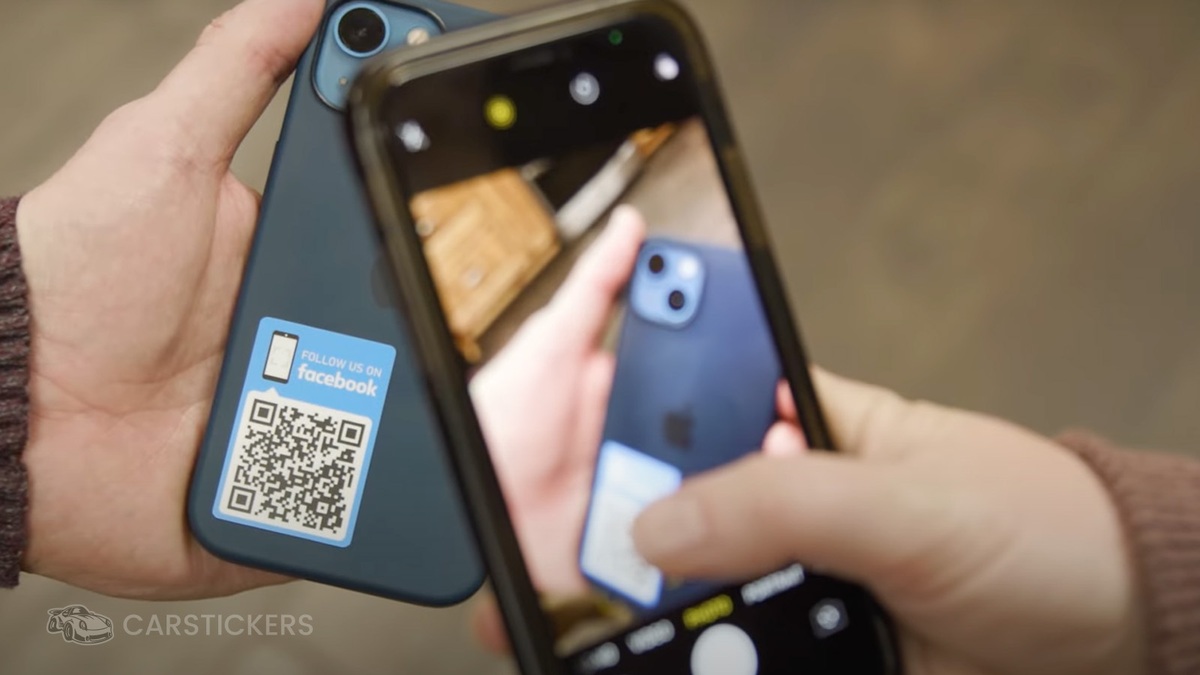
Sometimes you need to give customers more information than you can realistically fit on a sticker.
That is where QR codes can be useful. A QR Code Sticker can give someone a simple way to move from something physical, such as a package, product, sign, counter, or handout, to a digital destination on their phone.
Instead of squeezing a long website address or several lines of information into your design, you can use a QR code alongside a short message that tells people exactly what they will find when they scan it.
What Is a QR Code Sticker?
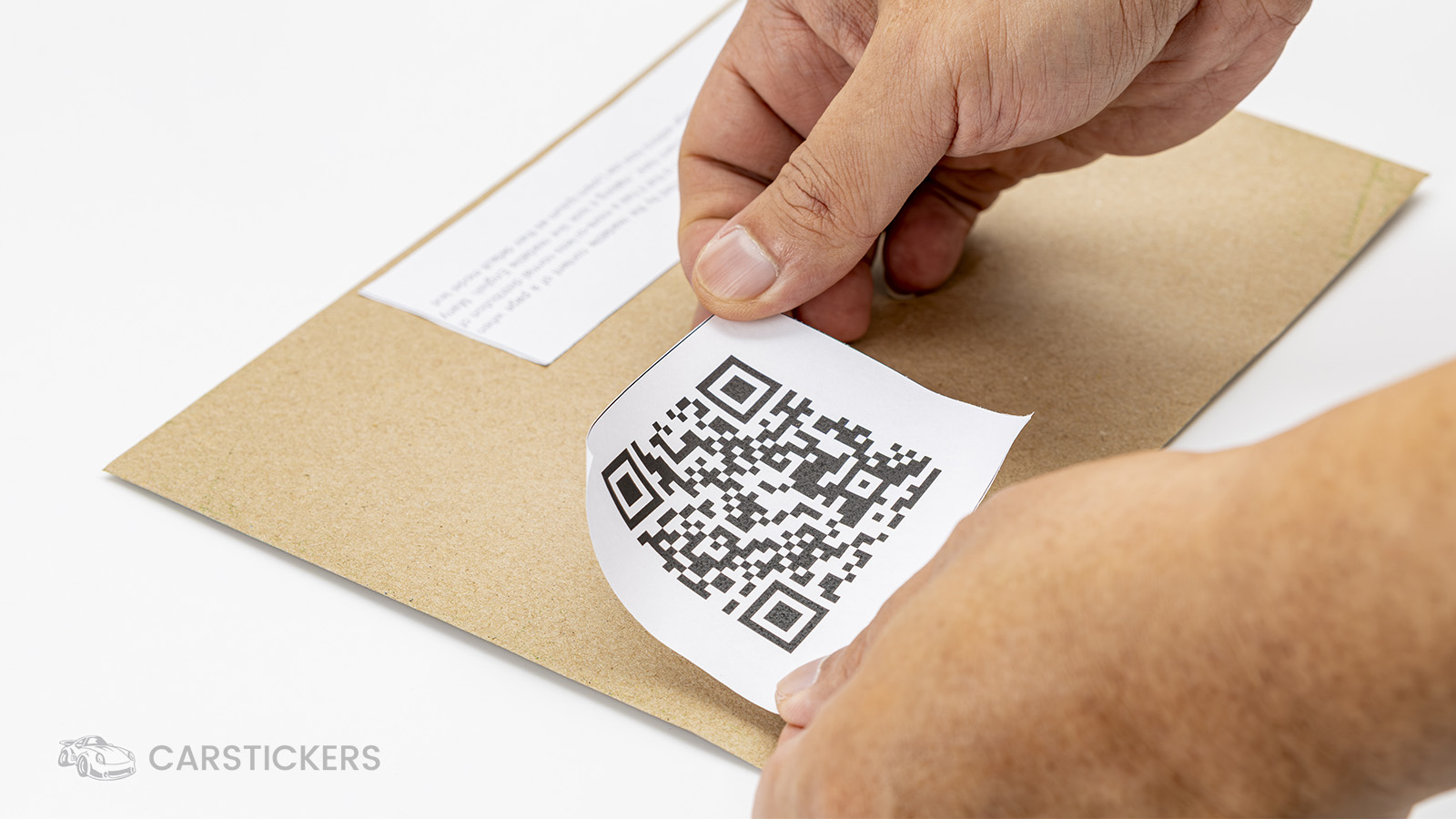
Before we jump into QR Code Stickers, what exactly is a QR code? A QR code, short for "Quick Response" code, is a type of two-dimensional matrix barcode. It was invented in 1994 by Masahiro Hara of the Japanese company Denso Wave for labeling automobile parts. (Source)
A QR Code Sticker combines the functionality of QR codes with the custom stickers you know and love here at CarStickers. QR Code Stickers can be cut to any shape and can include other design elements, or they can feature just a simple QR code. When someone scans the code with a compatible device, it can direct them to the information connected to that code.
For a business or creator, that creates a lot of possibilities. You might use one to send customers to:
- Your website or online store
- A specific product or collection
- A menu
- A portfolio
- A social media page
- An event page
- A sign-up form
- A review page
- Instructions or additional product information
The sticker itself becomes the bridge between the physical place where the customer sees your brand and the digital place where you want them to go next.
Easily Add a QR Code in the CarStickers Design Tool
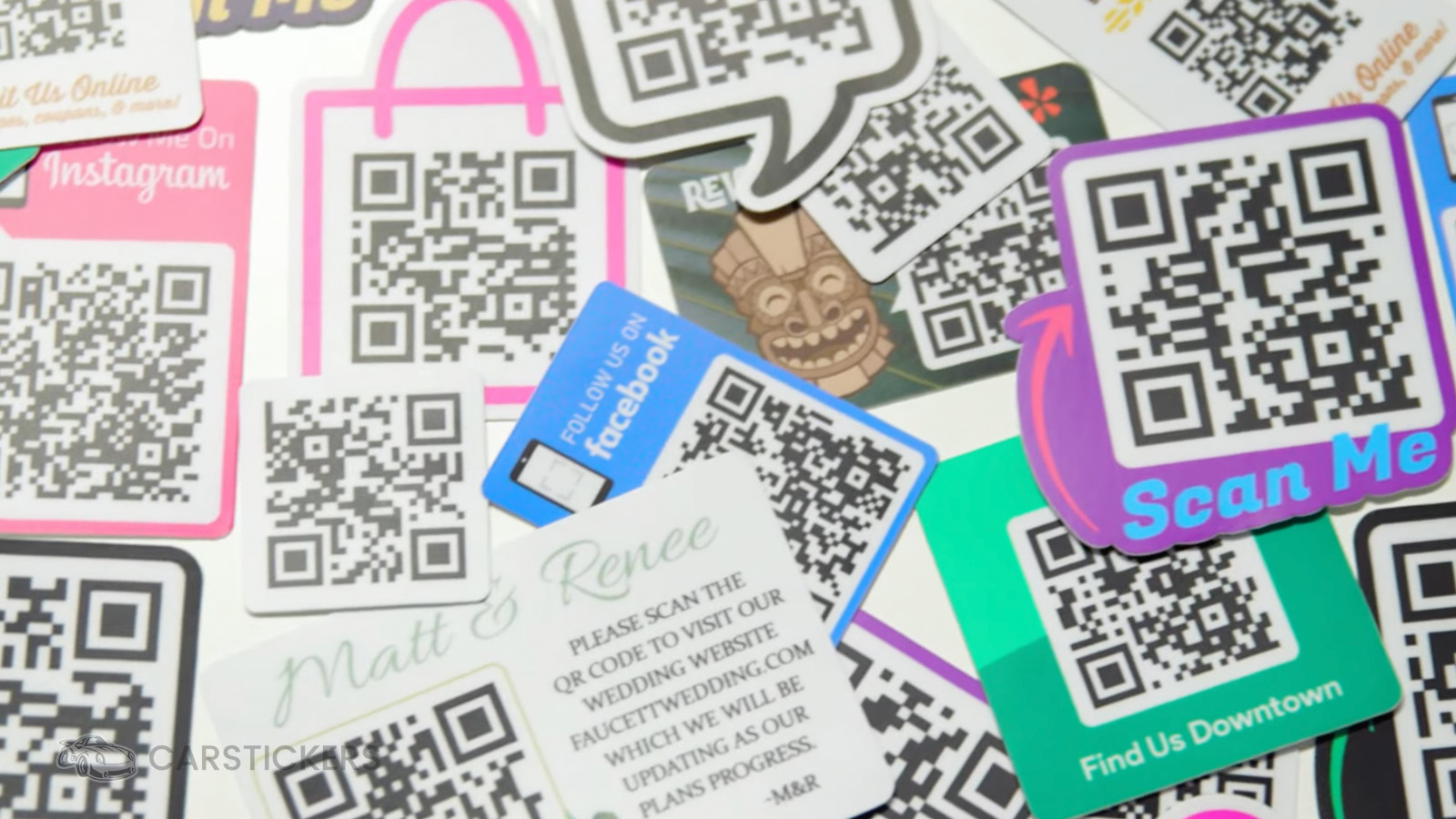
If you do not already have a QR code created, don't fret! The CarStickers Design Tool includes QR Code Generation.
This means you can build the code into your design while creating your custom sticker. You can combine it with your logo, text, colors, artwork, and other design elements instead of creating the entire layout somewhere else first.
You can create a QR Code-only sticker, use one of our templates, or upload your design into our Design Tool and then use the code generator to add your QR code. All you need is the URL you are linking to.
This can also be helpful when you already have finished artwork but want to add a QR code before ordering. Upload your existing design, add the code, position it where you want it, and finish the layout in the same workspace.
Here are some tips to consider before you jump into designing your QR Code Stickers:
Give People a Reason to Scan
A QR code by itself does not tell someone why they should use it.
Adding a short call to action can make the design much clearer. The wording should match the destination.
For example:
- Scan to shop
- Scan for the full menu
- View our holiday collection
- See more designs
- Follow us online
- Scan for instructions
This is a small detail, but it helps set an expectation before someone opens their camera.
Keep Your QR Code Design Easy to Scan
A QR code is functional artwork, so readability matters just as much as appearance.
Give the code enough room in your design rather than crowding it with text, logos, or decorative elements. Strong contrast between the code and its background also helps keep the pattern visually clear.
It is also a good idea to test your QR code before finalizing the design. Scan it from the artwork you are using and confirm that it goes to the correct destination.
If the sticker will be viewed from farther away, remember that the design needs to work at that viewing distance. A code that is easy to scan from a package held in your hand may need to be larger when used on a display.
Think About the Destination First
Before designing the sticker, decide what you want the customer to do.
If your goal is to gain followers, link to the place where they can follow you. If you want customers to shop a particular collection, take them to that collection instead of making them search your homepage. If the purpose is instructions, send them directly to the instructions.
The shorter the path between scanning and finding the expected information, the easier the experience is to understand.
Where Can You Use QR Code Stickers?
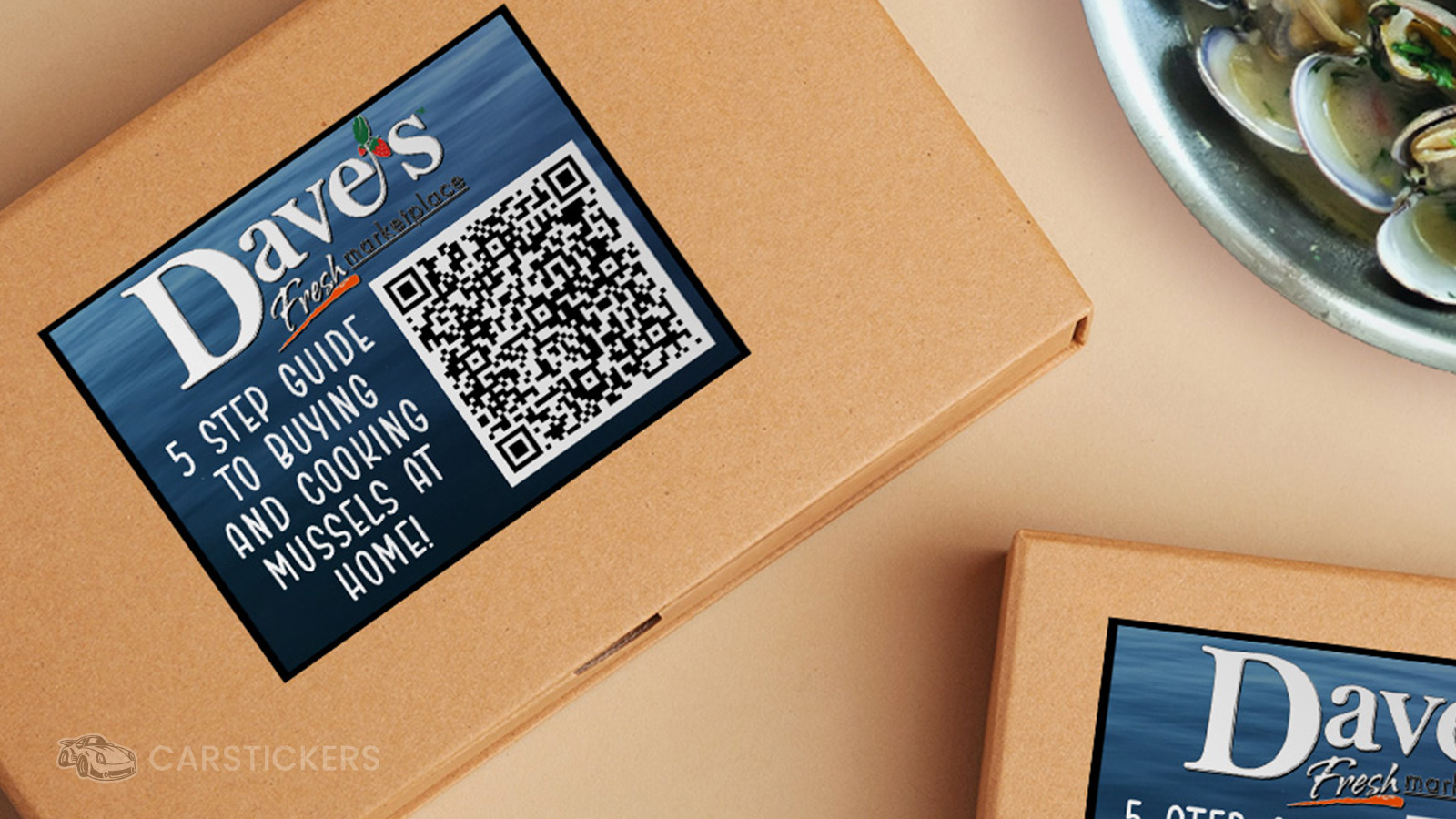
The most useful placement depends on what you want someone to do after scanning the code.
Product Packaging
Add a QR code to packaging when there is useful information that does not need to be printed directly on the package. You could direct customers to instructions, additional product details, a website, or another relevant page.
Order Inserts
A QR Code Sticker can turn a simple thank-you card or order insert into something interactive. Add a short prompt such as "Scan to shop again," "See our full collection," or "Follow us here" so customers understand what the code is for.
Retail Counters and Displays
If customers regularly ask for your website, menu, social media, or other information, a QR code at the counter can give them a quick way to access it themselves.
Events and Markets
For vendors, artists, and small businesses, a QR Code Sticker can help connect an in-person interaction to your online presence. Place one on a display, checkout area, packaging, or another location where customers naturally have a moment to scan.
Creator Packaging
Artists and creators can use QR codes to direct customers to a portfolio, online shop, social profile, or other work. It can be especially useful when the customer originally discovers your work in person but wants to find you again later.
A Small Sticker Can Connect to a Lot More
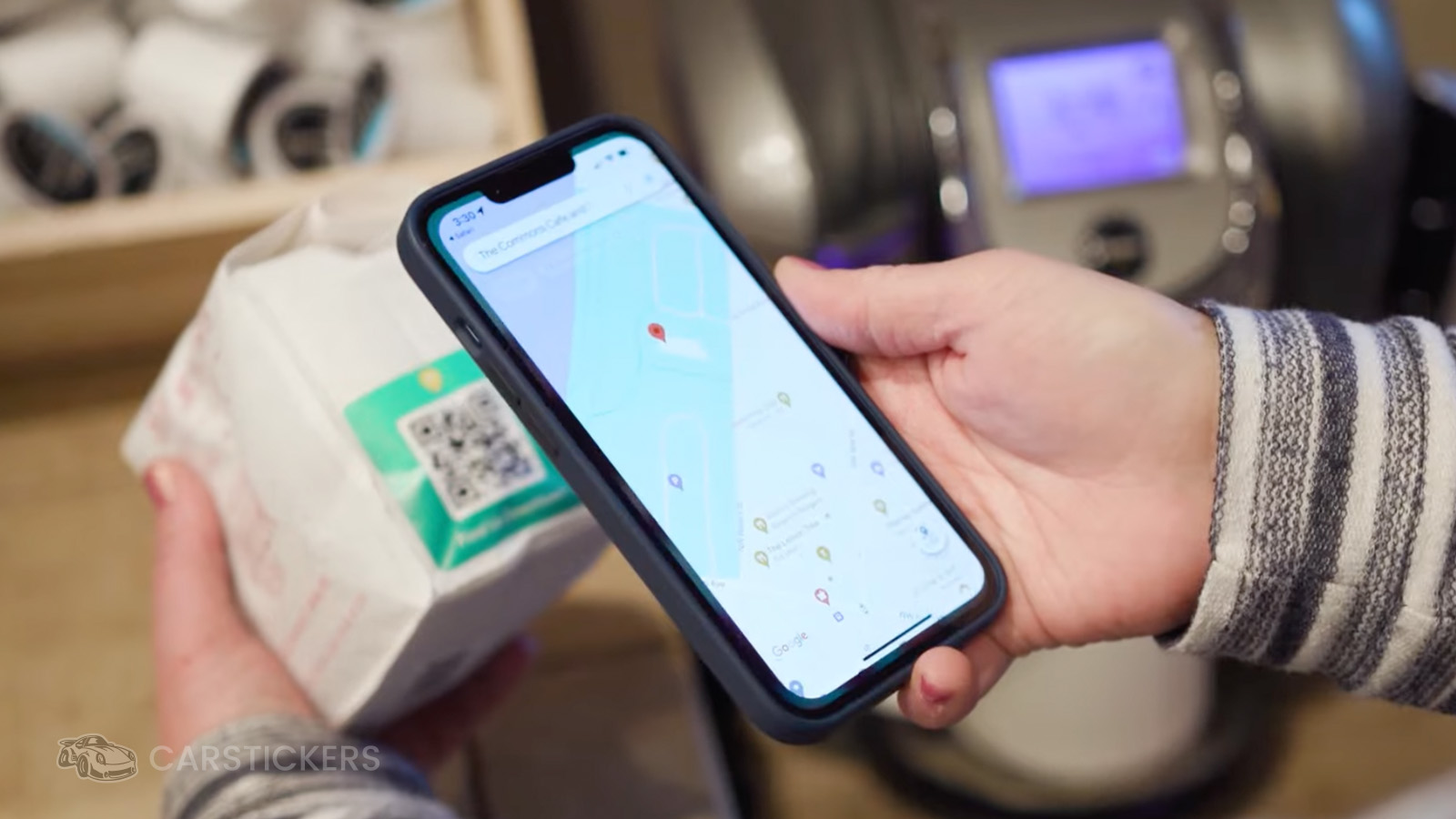
QR Code Stickers are useful because the printed piece does not have to hold every detail on its own. The sticker can stay simple while the QR code connects customers to the deeper information that belongs online.
Whether you use one on packaging, at an event, on a display, or as part of another sticker design, start with one question: What should happen after someone scans?
Have a destination in mind? Start creating your QR Code Sticker and use the CarStickers Design Tool to add your code, branding, and message in one design.


