
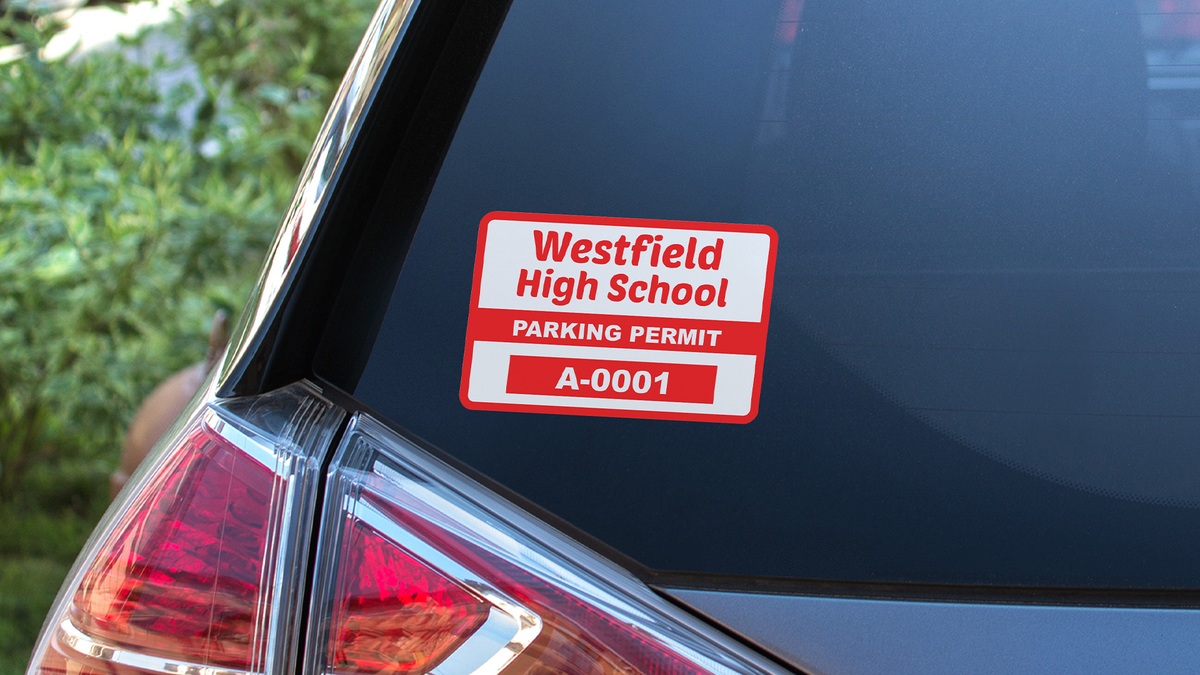
Hospital parking lots can feel like a maze. You find the right building, figure out which entrance is open, then circle around again because there’s nowhere to park. A parking permit can’t find you a space, but it can help a hospital keep visitor spaces available while directing staff to the right lot.
Who Needs Parking Permit Stickers?
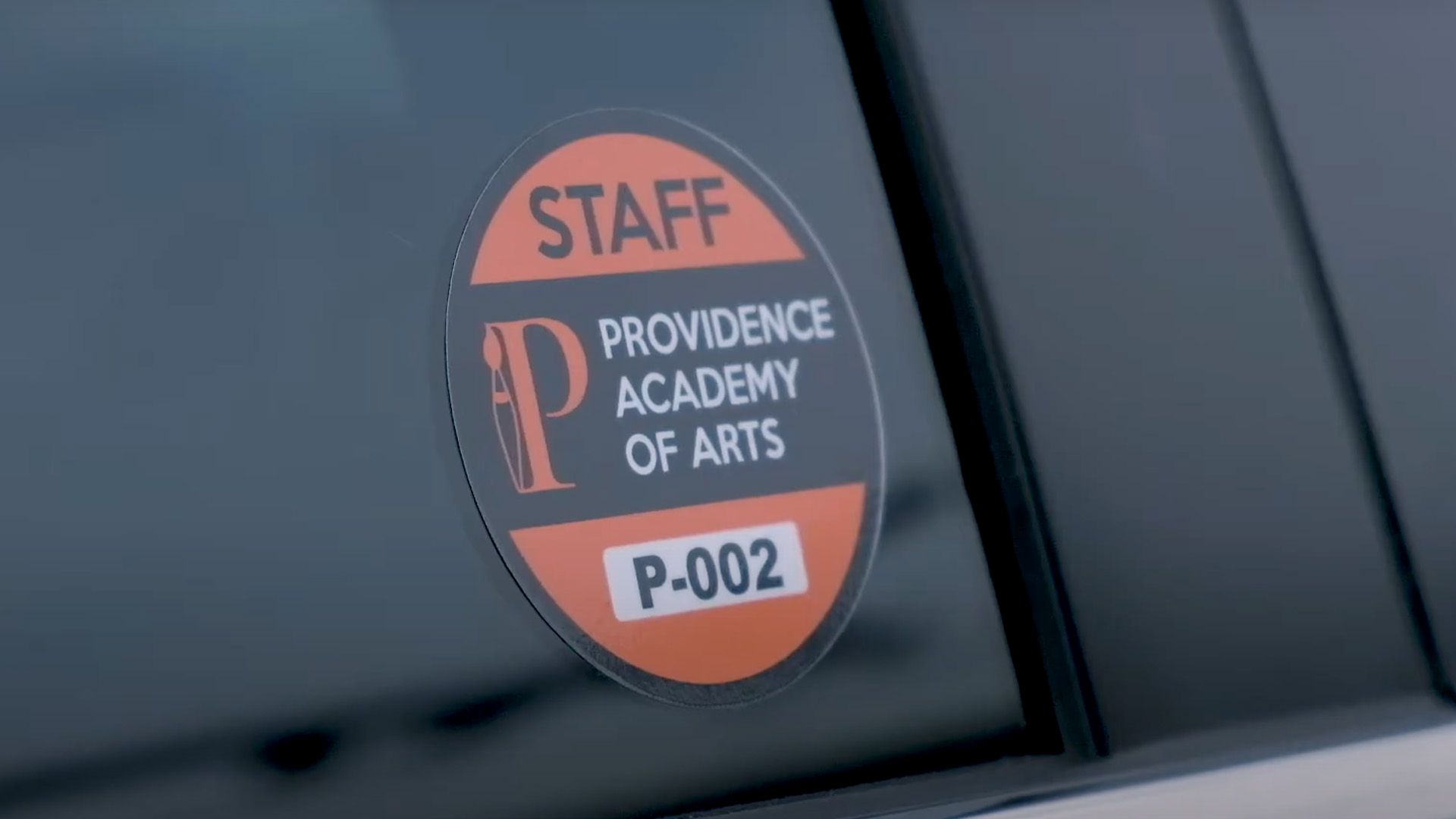
If your location has limited parking and needs to control access, start with the people who use it. In an apartment complex, a resident coming home from work needs a different pass from a friend visiting for the evening. At a school, you may need to tell student, staff and visitor vehicles apart from several spaces away.
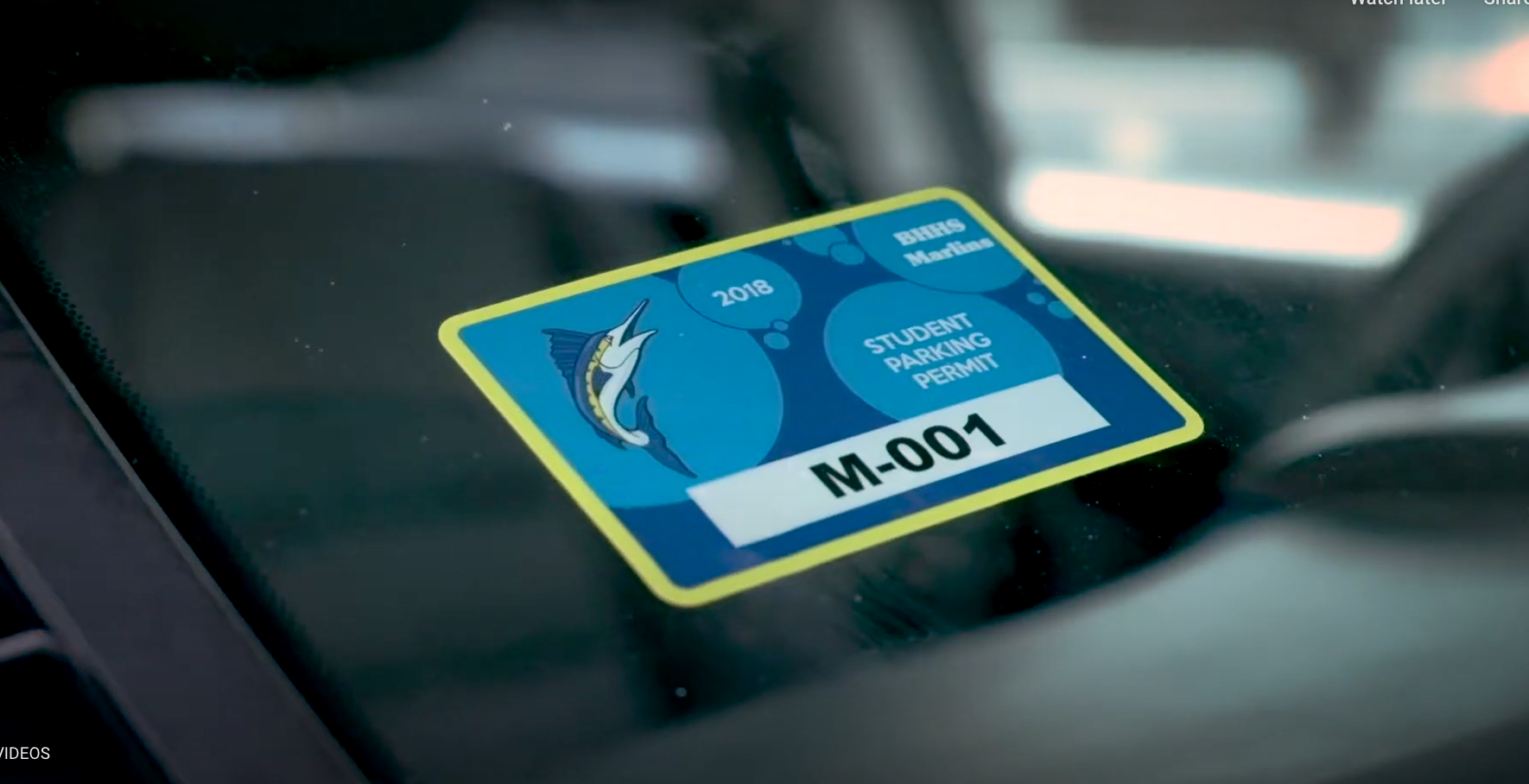
For a school program, our school parking permit templates can give you a useful starting layout.
Sometimes called parking permit decals, these stickers show who issued the permit, where the vehicle belongs and when the permit expires. Clear parking rules and an up-to-date list of issued permits help your team put that information to use.
Start With a Parking Permit Design Checklist
Before choosing colors or artwork, decide what someone checking the lot needs to see:
- Organization: Your school, property, company, or event name. A logo can help make the issuer recognizable.
- Parking group or zone: Resident, visitor, student, staff, or a named lot.
- Permit number: A unique identifier you can match to your own records.
- Valid dates: A year, semester, date range, or expiration date appropriate to your program.
For example, a resident permit could feature the property name, a large “RESIDENT” label, a permit number, and the valid year. A visitor permit may need a prominent expiration date instead. Give the information used most often the most space.
Choose Inside or Outside Placement First
Decide whether the permit will sit inside a window or on the outside of the vehicle. For inside placement, the design needs to read correctly through the glass.
| Format | A useful choice for | Display details |
|---|---|---|
| Front-Adhesive Vinyl | An inside-window permit read from outside the vehicle. | The artwork faces outward through the glass. Light and Standard adhesive options are available. |
| Outside-Application Vinyl | A permit applied to a suitable exterior surface. | Material and adhesive should suit the surface and exposure. Finish choices vary by material. |
| Static Cling | Temporary display on clean, smooth glass without adhesive. | The artwork must face the intended viewing side. Exterior temperature, wind, and rain can reduce its hold. |
| Permit Hang Tag | A removable permit that your program may reuse or reassign. | A separate plastic tag with a choice of shapes and printed sides, rather than an adhesive sticker. |
The Rectangle Parking Permit with Your Logo offers front-adhesive and outside-application vinyl, plus clear and white static cling options. If a removable hanging format suits your program better, explore a Standard Hang Tag Parking Permit.
Our inside application guide explains how placement and viewing direction work together.
Choose the size around the information. Leave room for readable numbers and dates while keeping the permit compact enough for its intended placement.
Design for Quick, Consistent Checks
Keep it simple. Give the detail someone checks most often the biggest type. If it’s the permit number, step back a few spaces and see whether you can pick it out without first having to read the fine print.
Color can help distinguish groups or years. For example, you could use blue for residents and green for visitors, with the group name printed clearly on each. Using both a word and a color makes the categories easier to understand.
Add Permit Numbers and Expiration Dates
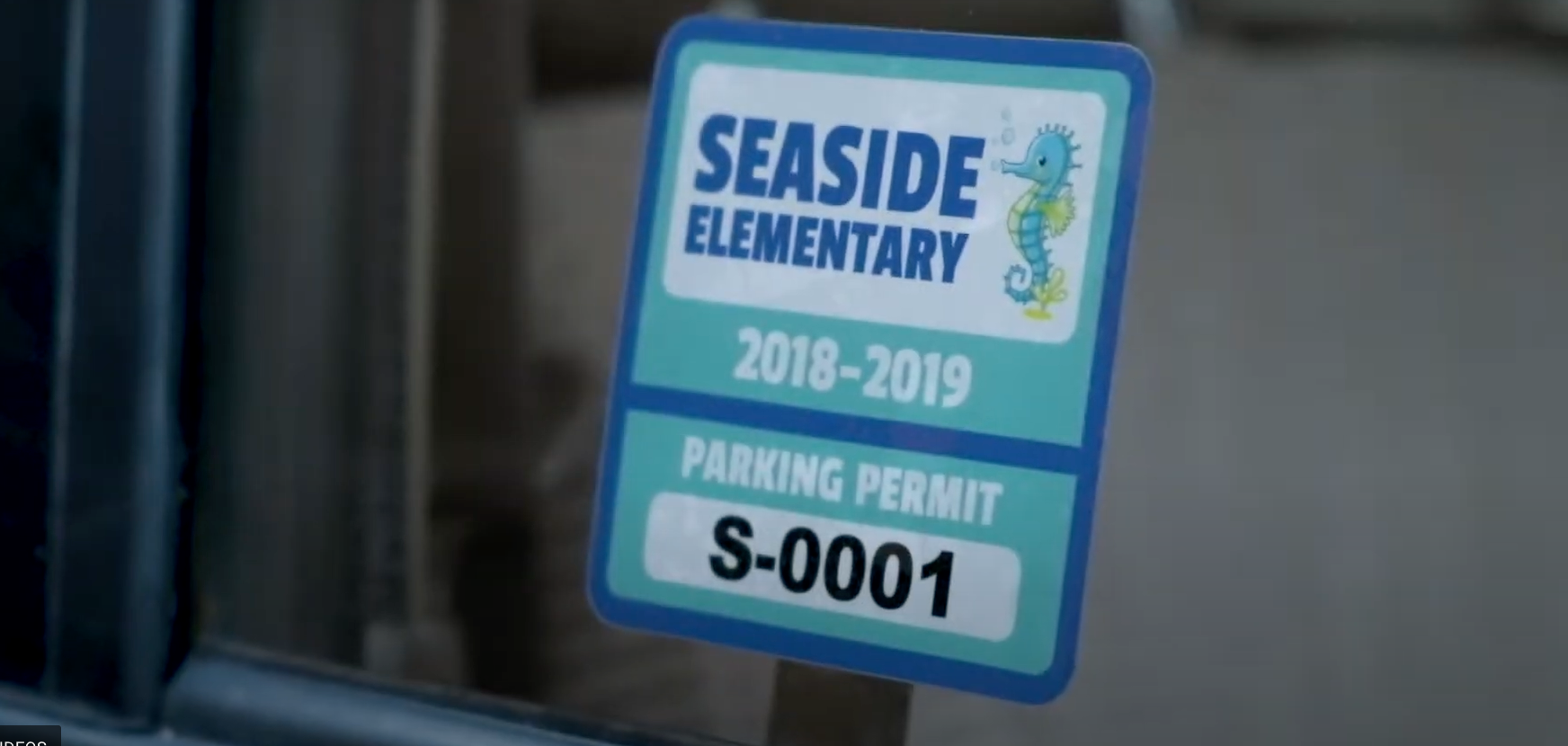
Consecutive numbering puts a different number on each permit while keeping the rest of the design the same. For example, numbers 1001 through 1100 give you 100 permits, each with its own number to match to an entry in your records. CarStickers supports consecutive numbering on both permit stickers and permit hang tags.
Variable data allows other selected details to change within the same layout, too.
Choose dates your team can read quickly. “VALID 2027” may suit an annual program; a semester or date range may work better for a school or event. When renewing, update the date and consider a distinct color to help separate the new issue from the previous one.
Use QR Codes for a Clear Purpose
A QR code can take drivers to parking instructions, a registration page, or a verification page your organization provides. Verification and tracking depend on that page and your organization’s process; the printed code itself does not prevent copying.
How to Customize a Parking Permit Sticker
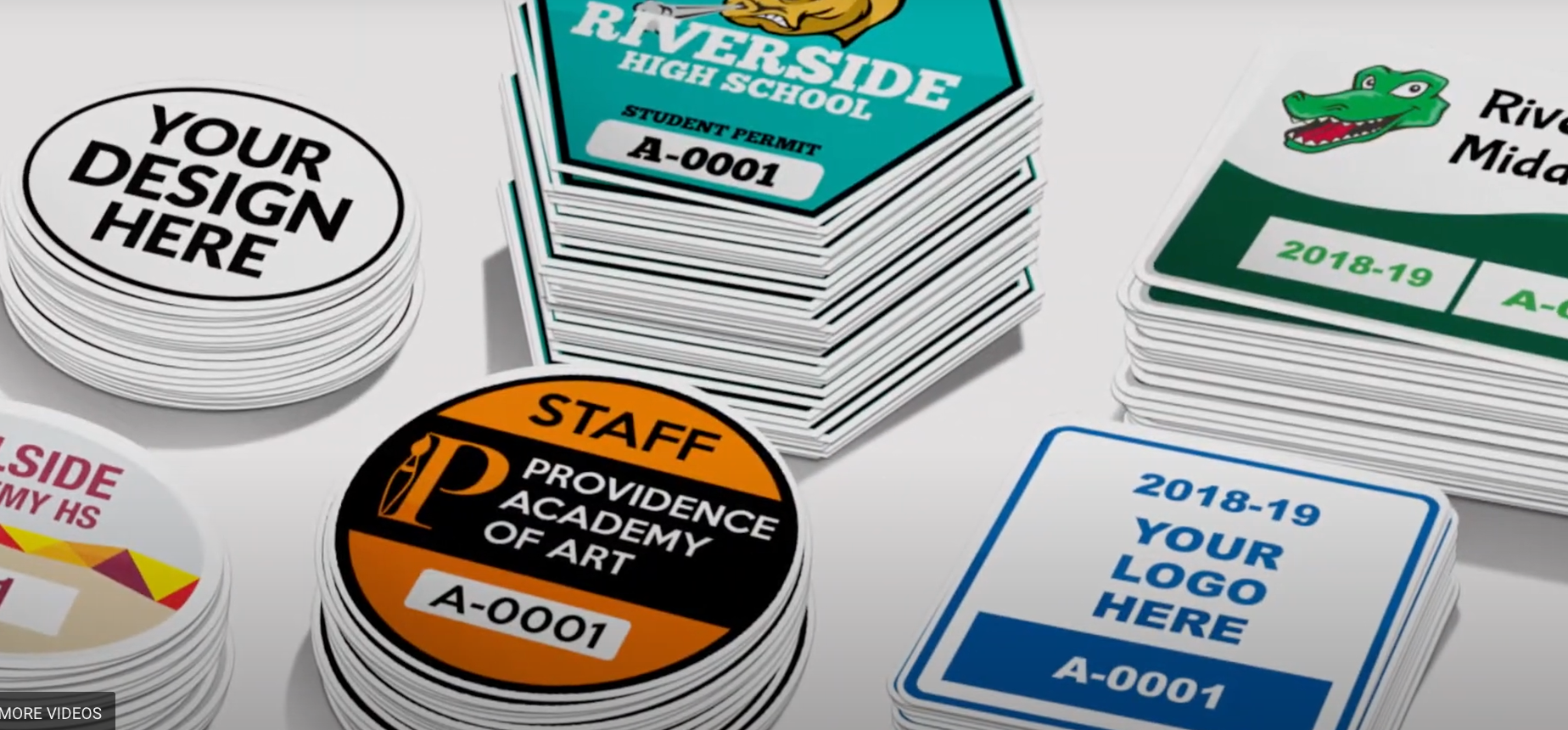
Looking for design inspiration? Browse our parking permit templates to find ready-made layouts.
1. Choose a starting design. Browse parking permit templates or upload your own parking permit design.
2. Set the product details. Select the format you planned above, then choose from its available size, material, adhesive, and quantity options.
3. Personalize the layout. Add your organization’s details, then style the text and colors using the design guidance above.
4. Set up changing information. Enter the number range or provide your data list. Check the first and last entries and make sure the list contains one entry for each permit.
5. Check the finished design. Review spelling and product choices, then print a paper mock-up at actual size. View it from the position where your team will read it. Scan any QR code to test its destination.
6. Review and order. Review the current production and delivery estimates before ordering. The linked permit sticker and hang tag products have no minimum quantity, so you can start with one. Free standard U.S. shipping is included.
Get Started with Custom Parking Permits
Have your logo, lot name and dates handy? Choose a parking permit and try them in a layout. A visitor who has just found the right entrance will appreciate being able to read it at a glance.


